Reset password for Office 365
Last updated: May 14, 2025
386
views

- Go to office.com and Sign in
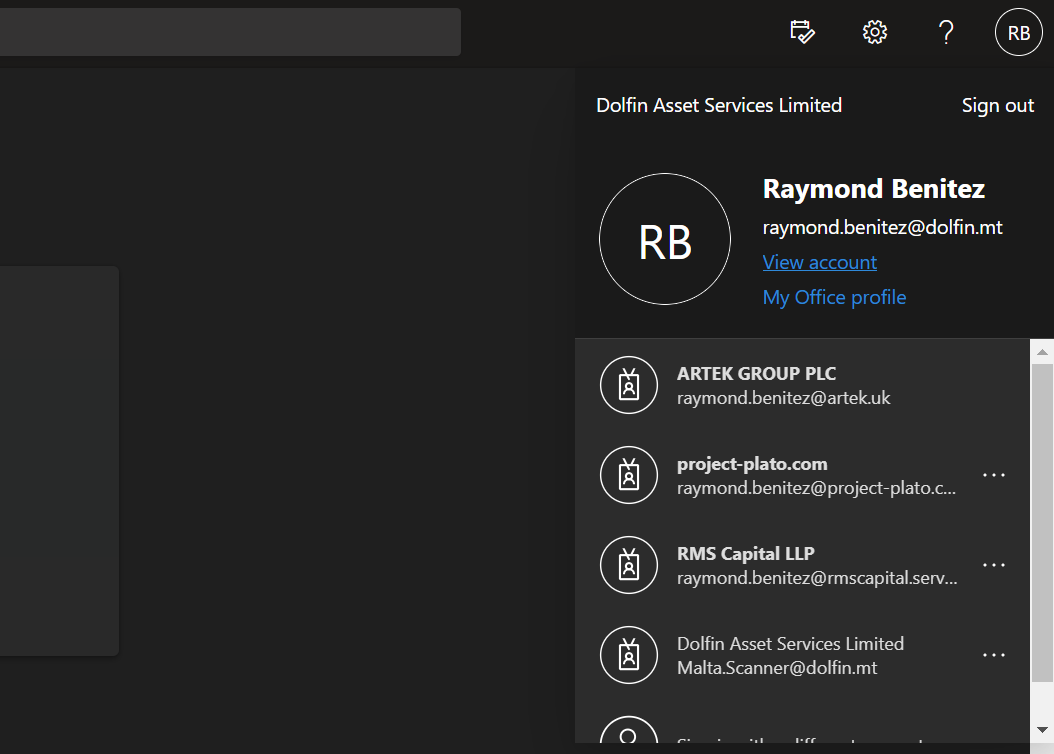
- Press on your Initials on the top right-hand corner
- Press view my account
- A new page will open, Scroll down and you’ll see change my password

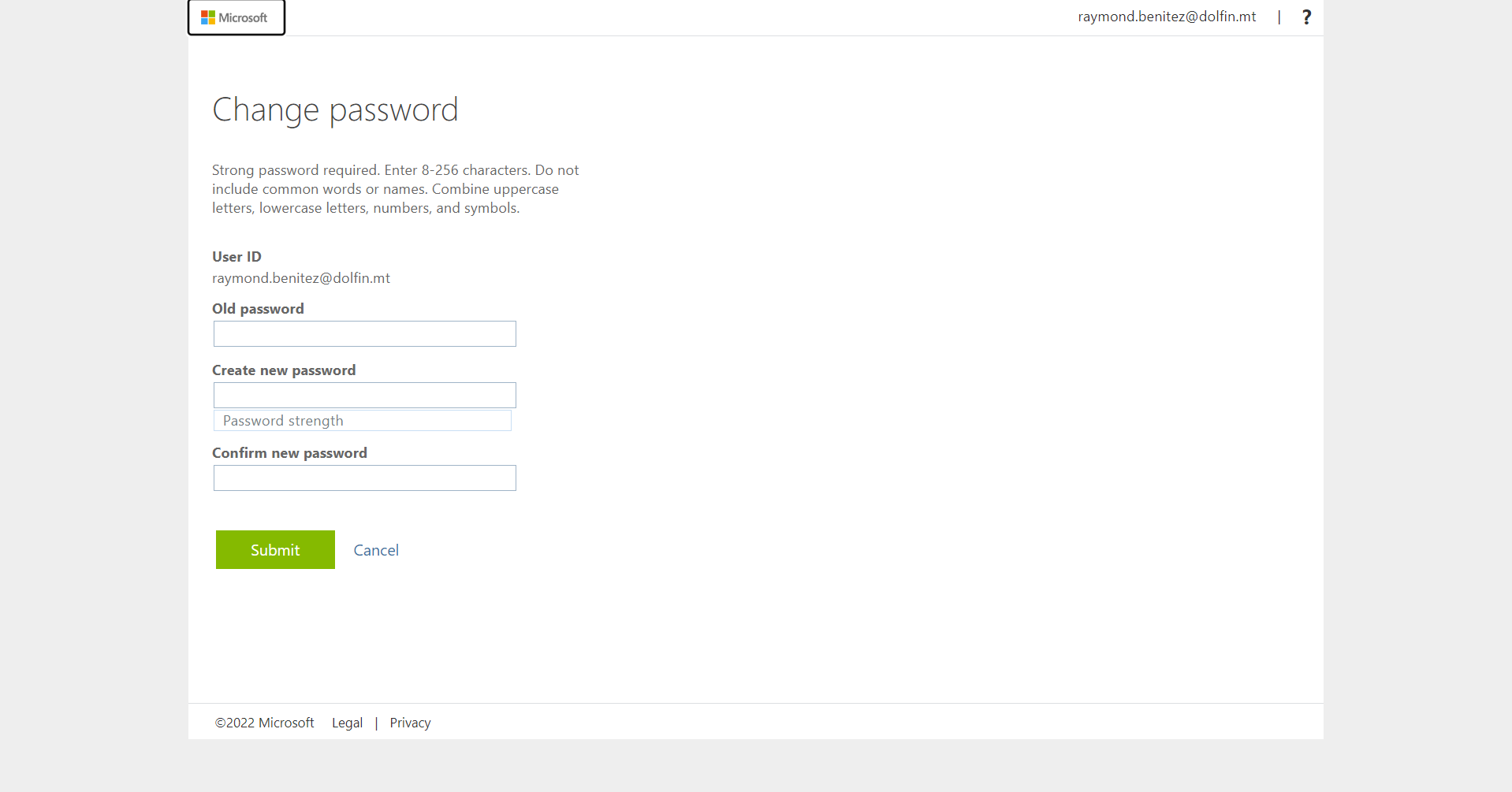
- Once you click change my password it will take you to a new page
- Put in your old password and new password.